

Price: $379.00 - $319.00
(as of Dec 04, 2025 15:01:38 UTC – Details)
Product description


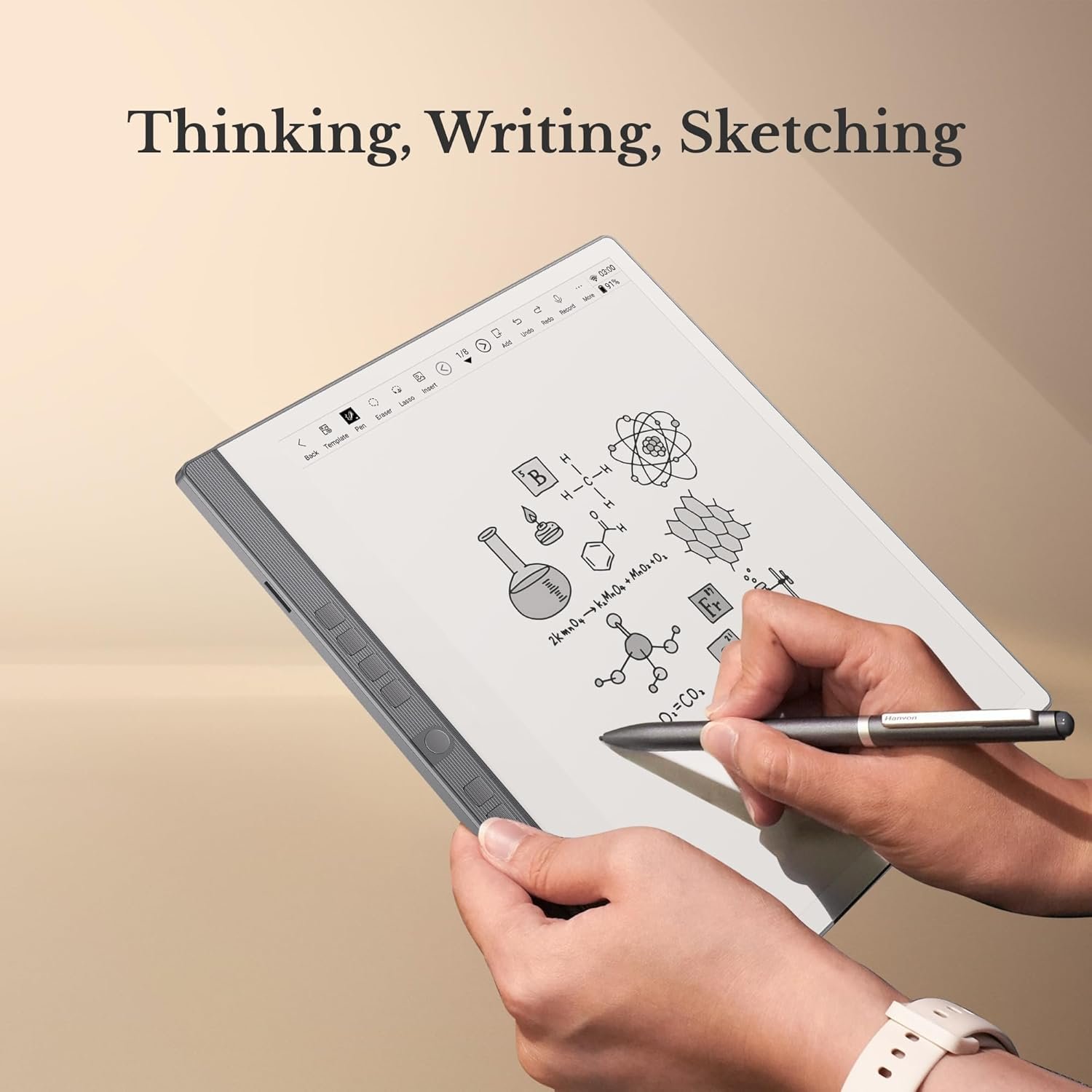
1 Handwritten Notes
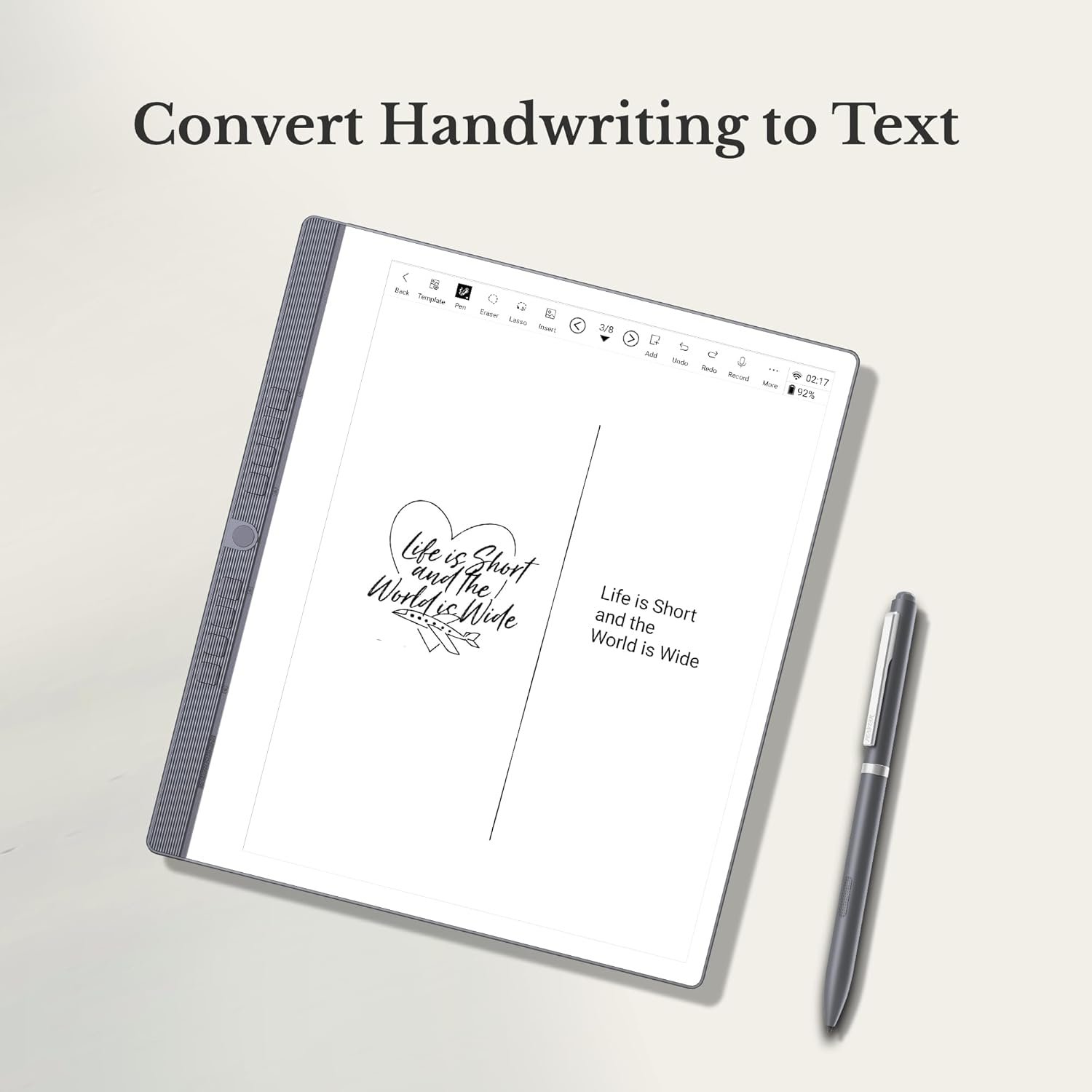
2 Convert to Text
3 Docs Annotation
4 Home Widgets
5 Eye-friendly


Is Penstar eNote 2 left-handed friendly?
Yes, Penstar eNote 2 boasts a gravity-sensing feature that automatically adjusts the screen orientation, making it comfortable for both left and right-handed users.
How to install third-party Android applications?
You can side-load the applications. Simply transfer the .apk file to internal storage and then click “Install.” You can download .apk files from Android app marketplaces or contact Penstar Support (Go to penstardeal.C/O/M, remove the slash) for help.
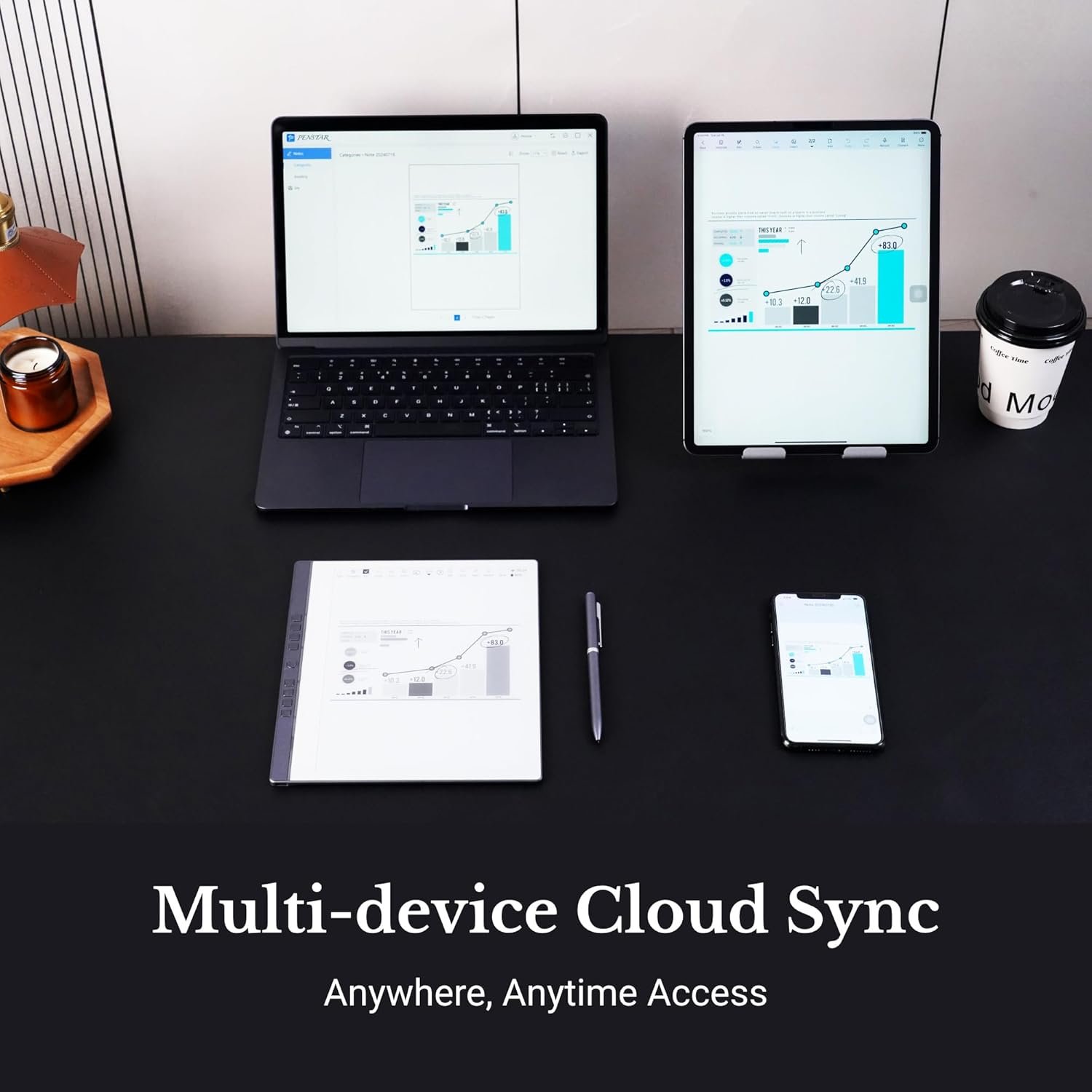
Can I sync notes between my Penstar eNote 2 and my phone, tablet, or laptop?
Yes, all content is synced via the Penstar Cloud service. Download the Penstar App for iOS, Android, iPadOS, Windows, or macOS (M1/M2 chip or later) to access and sync your notes anywhere, anytime.
What types of files does Penstar eNote 2 support?
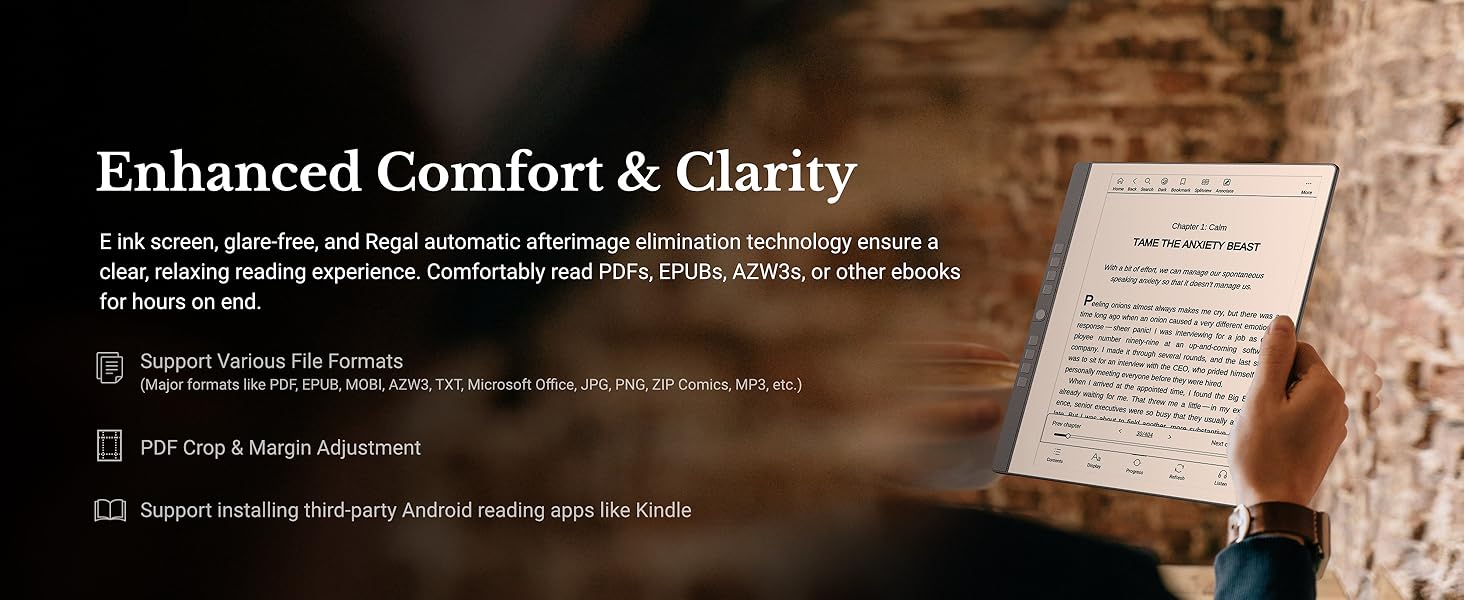
Penstar eNote 2 supports over 35 file formats, including common docs like PDF, EPUB, MOBI, AZW, AZW3, TXT, DOC, DOCX, RTF, PPT, PPTX, XLS, XLSX, HTXT, HTM, HTML; images like JPG, PNG, BMP, GIF, PIC, JPEG, ZIP Comics; and audio files like AMR and MP3.
Is split screen available on Penstar eNote 2?
Yes, you can easily split the screen, allowing you to take handwritten notes while simultaneously reading ebooks. You can capture key points or analyze information directly alongside your reading material.
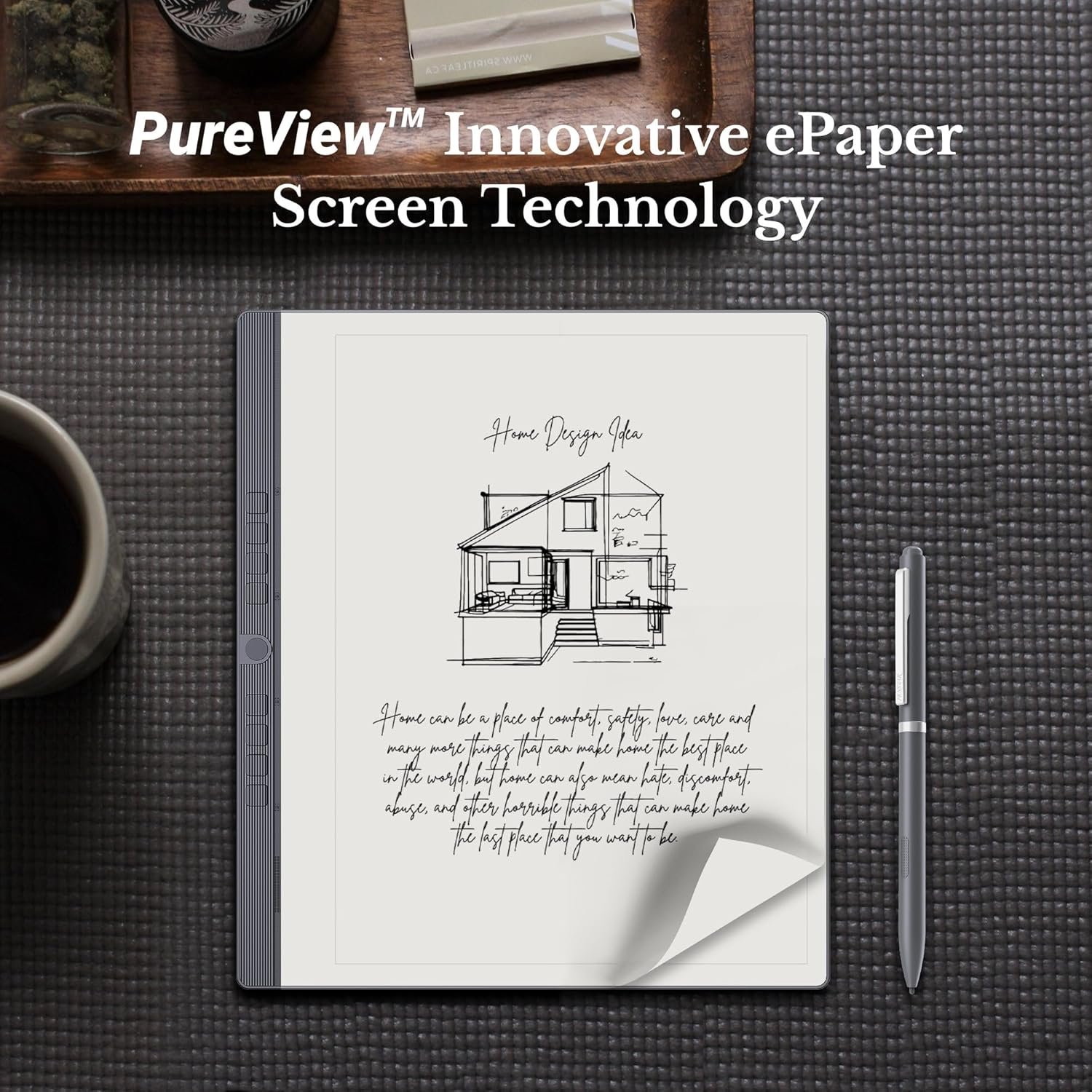
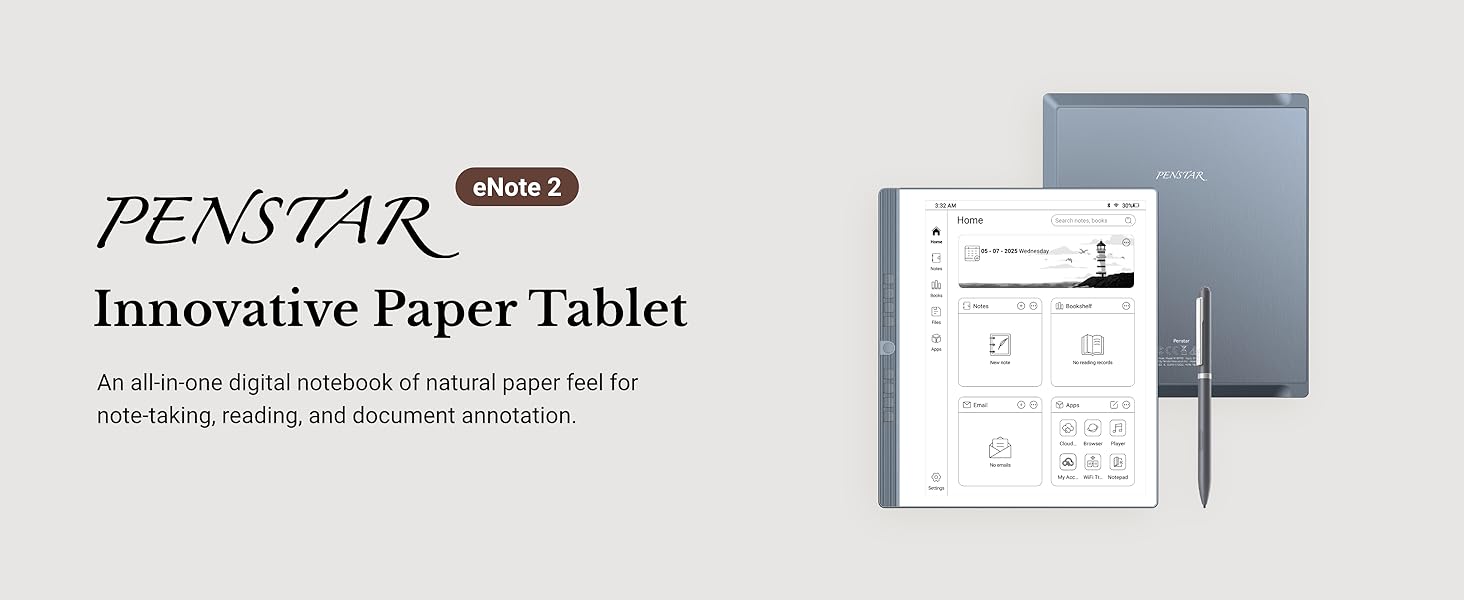
Paper-First E Ink Experience with PureView Display: Enjoy an authentic writing experience with our exclusive Penstar PureView screen technology, offering superior clarity and comfort without touch distractions or backlighting. The 300 PPI 10.3″ pen-only ePaper display mimics real paper, creating an immersive space for natural handwriting and focused thinking.
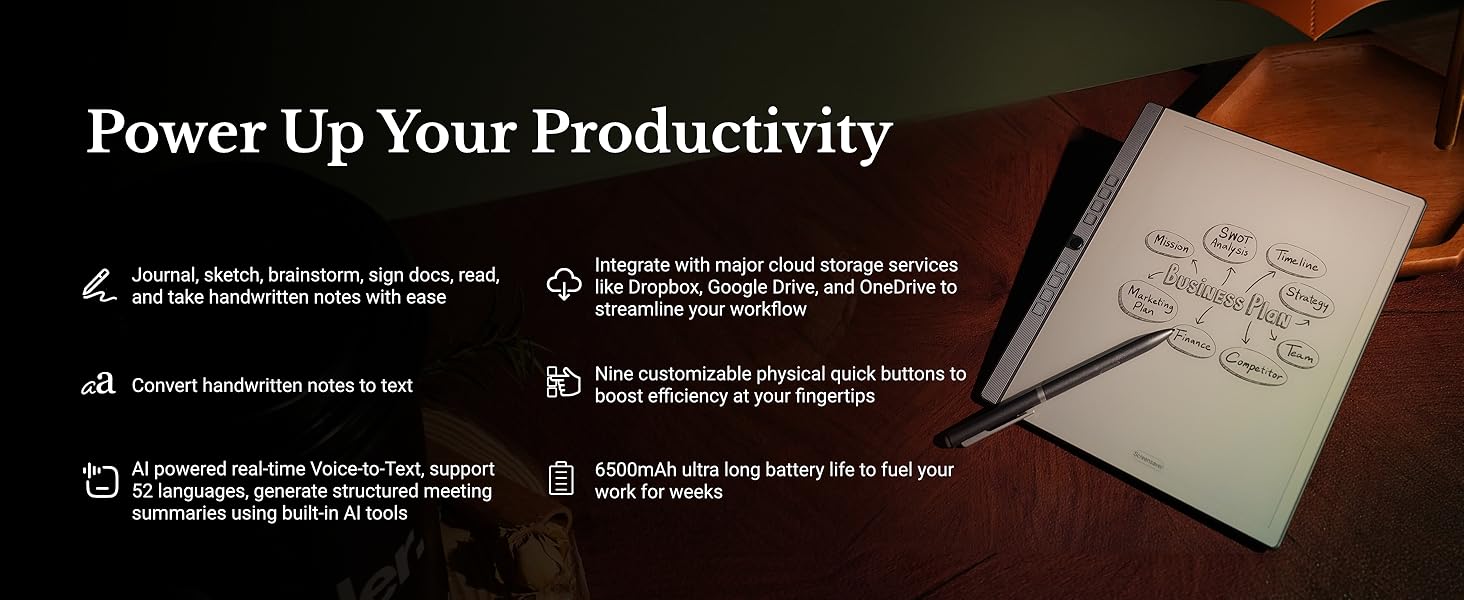
Smarter Handwriting, Powerful Note Conversion: Powered by MyScript industry-leading technology, your handwritten notes are instantly convertible into editable text. Organize and search your ideas efficiently—perfect for professionals, academics, and creative thinkers.
AI Powered Real-Time Voice-to-Text: Effortlessly convert speech into text in real time with support for 52 languages under a network connection. Automatically generate structured meeting summaries using built-in AI tools, making it the perfect digital notebook for business meetings, academic conferences, and brainstorming sessions.
Custom Controls for Ultra-Fast Navigation: Optimize your productivity with 9 physical shortcut keys—each reprogrammable to your preferred tools or workflows. Create tailored profiles for writing and reading to save time and reduce taps.
Flexible Format Compatibility & Rich Toolset: Open, edit, and annotate more than 30 document types including PDF, EPUB, Mobi, and TXT files. Use the advanced stylus with 8192 levels of pressure sensitivity to sketch, brainstorm, and markup without limits. Take your workflow paperless.
Cloud-Connected and Always Synced: Securely sync your files via Google Drive, OneDrive, or Dropbox. Share notes via email or direct PDF file. Sync notes via the Penstar app on your phone, laptop, or iPad. Whether you’re working from your office or the coffee shop, your work is always within reach.
Offline-Friendly for Private Workflows: Working in a sensitive environment? Penstar eNote works fully offline without requiring sign-ins or subscriptions. You stay in full control of your documents—ideal for businesspeople, officers, lawyers, therapists, educators, and others handling private material.
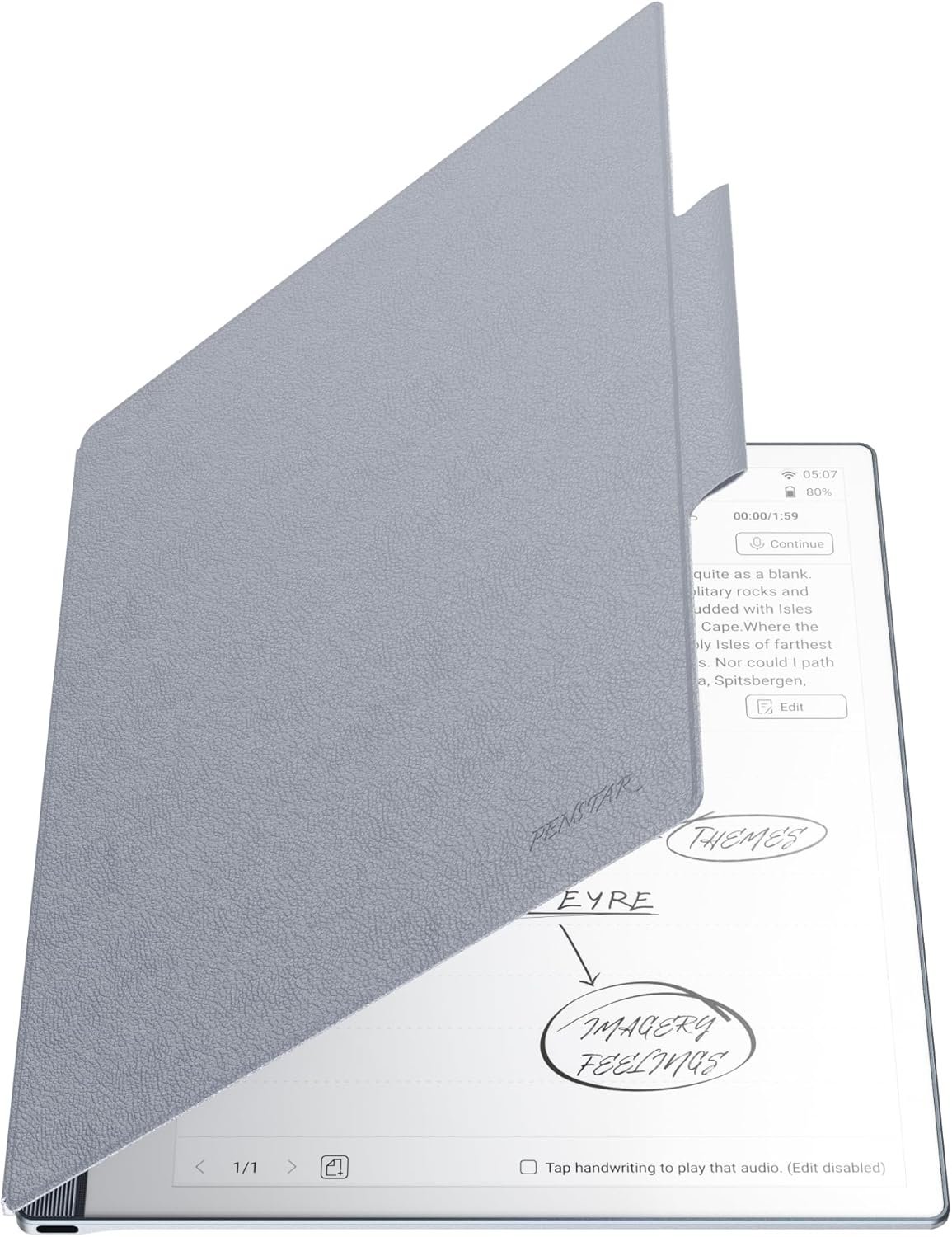
Everything You Need, Right Out of the Box: Your Penstar eNote 2 bundle includes TWO!! high-precision Digital Stylus B5 (each with 4 built-in nibs + an extra 10 nibs kit, total 18 spare nibs), a magnetic folio cover, a USB-A to USB-C cable, and a quick start guide. You’re ready to create the moment it arrives.
Customers say
Customers find the eNote tablet to be a good e-ink notebook that’s easy to set up and use, with good writing feel and battery life. They appreciate its note-taking capabilities, with one customer highlighting the built-in templates and multi-page functionality, while another mentions using it daily for work meetings. The functionality receives mixed feedback, with some saying it works well while others find it lacking. The tablet’s weight is also mixed, with some appreciating its lightweight design.



Reviews
There are no reviews yet.